

Site Generation#
Beyond per-page Markdown transforms, the plugin ships the build-level features a documentation site needs: static HTML generation, per-page Open Graph images, content collections, and generated API docs.
| Option | Default | Purpose |
|---|---|---|
ssg |
{ enabled: true } |
Generate static HTML pages during build. |
ogImage |
false |
Generate per-page Open Graph images. |
editThisPage |
false |
Append "Edit this page" links. |
collections |
content collection |
Query Markdown files from client code. |
permalinks |
false |
Frontmatter permalink / slug URLs. |
cascade |
false |
Directory _index frontmatter defaults. |
docs |
{ enabled: true } |
Generate API docs from JSDoc/TSDoc. |
transformers |
[] |
Custom Markdown AST transforms. |
Static Site Generation#
SSG is on by default: every Markdown file under srcDir becomes a static
HTML page with the default theme, navigation, and search UI. The site you are
reading is generated exactly this way.
import { defineConfig } from "vite-plus";
import { oxContent, defineTheme, defaultTheme } from "@ox-content/vite-plugin";

export default defineConfig({
  plugins: [
    oxContent({
      srcDir: "content",
      outDir: "dist/docs",
      ssg: {
        siteName: "Ox Content",
        siteUrl: "https://example.com",
        lastUpdated: true,
        theme: defineTheme({
          extends: defaultTheme,
          sidebar: [
            {
              text: "Guide",
              items: [{ text: "Getting Started", link: "/getting-started.md" }],
            },
          ],
        }),
      },
    }),
  ],
});
| Option | Default | Purpose |
|---|---|---|
enabled |
true |
Set ssg: false to keep only .md modules. Import component styles in the host. |
extension |
".html" |
Generated page extension. |
routePrefix |
— | Mount page routes under a path without changing base or outDir. |
transformConcurrency |
1 |
Markdown pages transformed at once before deterministic render/write stages. |
clean |
false |
Remove generated output before writing. |
minifyHtml |
false |
Minify production HTML at the final write boundary. |
bare |
false |
Emit unthemed HTML without navigation. |
render |
— | JSX component that owns the whole document. |
lang |
"en" |
lang attribute on <html> (bare mode). |
head |
— | Raw markup appended to <head> (bare mode). |
bodyStart |
— | Raw markup after <body> (bare mode). |
bodyEnd |
— | Raw markup before </body> (bare mode). |
siteName |
— | Suffix for <title> and OG site name. |
siteUrl |
— | Origin used for absolute OG URLs, canonical, and hreflang. See SEO. |
headValidation |
false |
warn or strict for invalid head descriptors. See SEO. |
ogImage |
— | Static fallback OG image URL. |
generateOgImage |
false |
Per-page OG images (see below). |
lastUpdated |
false |
Show the git last-commit time per page. |
contributors |
false |
Unique git authors per page. See Contributors. |
pagination |
false |
Previous/next links after the article. |
breadcrumbs |
false |
Trail from the site root through sidebar ancestors. |
jsonLd |
false |
JSON-LD for TechArticle / WebSite / BreadcrumbList. |
readerChrome |
false |
Copy, outbound-link icons, and back-to-top. |
localeSwitcher |
false |
Header locale dropdown when i18n locales are set. |
a11y |
false |
Skip link and print styles. |
notFound |
false |
Themed 404 page. See Custom 404. |
team |
false |
Member cards on layout: team. See Team. |
blog |
false |
Paginated index, authors, tags, archive, optional external feeds. See Blog. |
sectionIndex |
false |
Generated listings for directories without index.md. See Section index pages. |
pageChrome |
false |
Honor per-page frontmatter chrome flags. |
markdownSource |
false |
Publish original Markdown beside each page. See Markdown source companions. |
theme |
defaultTheme |
Theme configuration via defineTheme(). |
navigation |
derived | Explicit navigation groups instead of the file tree. |
transformConcurrency overlaps independent Markdown transforms, including
build-time embed fetches. Finite values are truncated and then clamped to
1..32; omitted or non-finite values use the default 1. Set it above 1 to
opt into concurrency when custom transformers and embed
providers are safe to run concurrently. Custom ssg.render themes still run
after collection in the deterministic page-render stage.
ssg.minifyHtml is a production HTML policy, not Vite's JavaScript/CSS
build.minify switch and not transport compression. When enabled, Ox Content
minifies only the generated HTML documents after framework transforms, resource
rewrites, PWA tags, and shared asset externalization have settled. RSS, Atom,
JSON feeds, sitemaps, Markdown companions, text outputs, and binary assets are
not rewritten by this option. Inline JavaScript/CSS minification failures fail
the build instead of publishing partially transformed HTML.
ssg.routePrefix mounts Markdown page routes under a path such as /blog
without changing the deployment base or moving root host files. blog,
/blog, and /blog/ all mount under /blog. Page HTML and page-level assets
follow the prefix; _redirects, _headers, root feeds, and the sitemap index
stay at outDir. base stays the public URL prefix. A frontmatter
permalink still wins when permalinks are enabled.
oxContent({
  srcDir: "content/blog",
  outDir: "build",
  ssg: { routePrefix: "/blog" },
  redirects: { netlify: true },
  feeds: { path: "/" },
});
That writes build/blog/first-post/index.html while build/_redirects and
build/feed.xml stay at the deployment root.
Theming — colors, fonts, header, footer, sidebar, custom CSS, and the opt-in
page outline (theme.aside, default false) — is a topic of its own: see
Theming.
Paths and base#
Write in-site paths against the site root and let base do the rest. A
root-absolute path is prefixed with base wherever it is written — a Markdown
link or image, theme.header.logo, an entry page's hero.image.src, a feature
icon — so a site deployed under a sub-path resolves the same way as one at the
root:
oxContent({ base: "/team/docs/" });
[Architecture](/architecture/)

<a href="/team/docs/architecture/">Architecture</a> <img src="/team/docs/img/icon.png" alt="Icon" />
The value is used as authored: a path that already starts with base is
prefixed again, so do not write one. Left untouched are URLs on another origin,
protocol-relative // URLs, bare #fragment links, and anything carrying a
scheme such as data: or mailto:. An asset that really does live at the
server root, outside the site, needs a full URL.
Custom Theme Component#
ssg.render hands the whole document to a JSX component. The component owns
everything from <html> down, so theme, bare and the head metadata options
do not apply. When readerChrome is enabled, Ox Content post-processes the
rendered document with the same code-copy and outbound-link transform used by
the built-in renderer.
import { createTheme, usePageProps, useSiteConfig } from "@ox-content/vite-plugin";

function DefaultLayout({ children }) {
  const page = usePageProps();
  const site = useSiteConfig();
  return (
    <html lang="ja">
      <head>
        <title>{`${page.title} | ${site.name}`}</title>
        <link rel="stylesheet" href="/assets/site.css" />
      </head>
      <body>{children}</body>
    </html>
  );
}

oxContent({
  ssg: { render: createTheme({ layouts: { default: DefaultLayout } }) },
});
createTheme() picks the layout named by each page's layout frontmatter,
falling back to default. Inside a layout, usePageProps() gives the current
page and useSiteConfig() gives the site-wide config including navigation and
every other page.
This uses the built-in JSX runtime, so configure jsxImportSource as described
in MDX and JSX.
Bare Mode#
bare: true emits the rendered Markdown body without the navigation, layout
shell or theme styles. It is what you want when the project brings its own
design system, or when you are measuring the no-JavaScript baseline.
Bare pages still carry the head metadata the plugin already computes — the
description, og:* and twitter:* tags, the canonical link, and the generated
OG image. That metadata only appears when there is something to say: a page
with no description, no siteUrl and no OG image renders exactly the minimal
document bare mode has always emitted, so the size baseline stays honest.
Everything else is yours to inject:
oxContent({
  ssg: {
    bare: true,
    lang: "ja",
    siteUrl: "https://example.com",
    head: '<link rel="stylesheet" href="/assets/site.css">',
    bodyStart: "<header>…</header><main>",
    bodyEnd: "</main><footer>…</footer>",
  },
});
siteUrl is what turns on <link rel="canonical"> and the absolute og:url;
without it those tags are omitted rather than guessed.
readerChrome remains available in bare mode. When enabled, Ox Content applies
the shared reader-chrome transform to the rendered body and injects the matching
stylesheet and runtime into the bare document:
oxContent({
  ssg: {
    bare: true,
    readerChrome: { copy: true, externalLinks: false, backToTop: false },
  },
});
OG Images#
Generate a social preview image per page at build time:
oxContent({
  ogImage: true,
  ssg: {
    generateOgImage: true,
    siteUrl: "https://example.com",
  },
});
Each page gets an image rendered from its title and description. This page's generated image looks like this:

To preview the built-in template without running a site build, generate an SVG
from the oxct CLI:
vpx oxct og-preview --title "My Docs" --description "Fast content tooling" --out og.svg
ogImageOptions |
Default | Purpose |
|---|---|---|
renderer |
"chromium" |
"chromium" for full browser CSS, "satori" for fast SVG rendering. |
template |
built-in | Custom template: .ts, .vue, .svelte, or .tsx. |
width |
1200 |
Image width in pixels. |
height |
630 |
Image height in pixels. |
cache |
true |
Skip re-rendering unchanged pages. |
concurrency |
CPU-aware | Parallel image renders. Defaults to min(4, cores - 1). |
satori.fonts |
[] |
Font files for Satori (.ttf, .otf, or .woff). |
satori.systemFontFallback |
true |
Try common OS font paths when satori.fonts is empty. |
Rendered images are cached under .cache/og-images, keyed by a hash of the
template source and the page's props, so an unchanged page is copied from cache
instead of re-rendered. Only pages whose title, description, or frontmatter
changed pay for a render. That directory is gitignored, so a CI job that does
not restore it renders every page every time — cache it between runs the same
way you would node_modules.
Chromium is the compatibility renderer: it can use normal browser CSS, local public assets, and framework templates exactly as a page would. Satori skips the browser and renders HTML to SVG, then PNG, which is much faster for large sites. The tradeoff is that templates must stay inside Satori's supported HTML and CSS subset, and text needs at least one loadable font.
oxContent({
  ogImage: true,
  ogImageOptions: {
    renderer: "satori",
    satori: {
      fonts: [{ path: "public/fonts/Inter-Regular.ttf", name: "Inter" }],
    },
  },
  ssg: {
    generateOgImage: true,
    siteUrl: "https://example.com",
  },
});
Under bare, the images are generated and referenced: bare pages carry the
same og:image / twitter:image tags the themed pages get. buildSsg() also
returns an ogImages map of source path to image URL, so a post-processing
step does not have to go looking for og-image.png in the output tree.
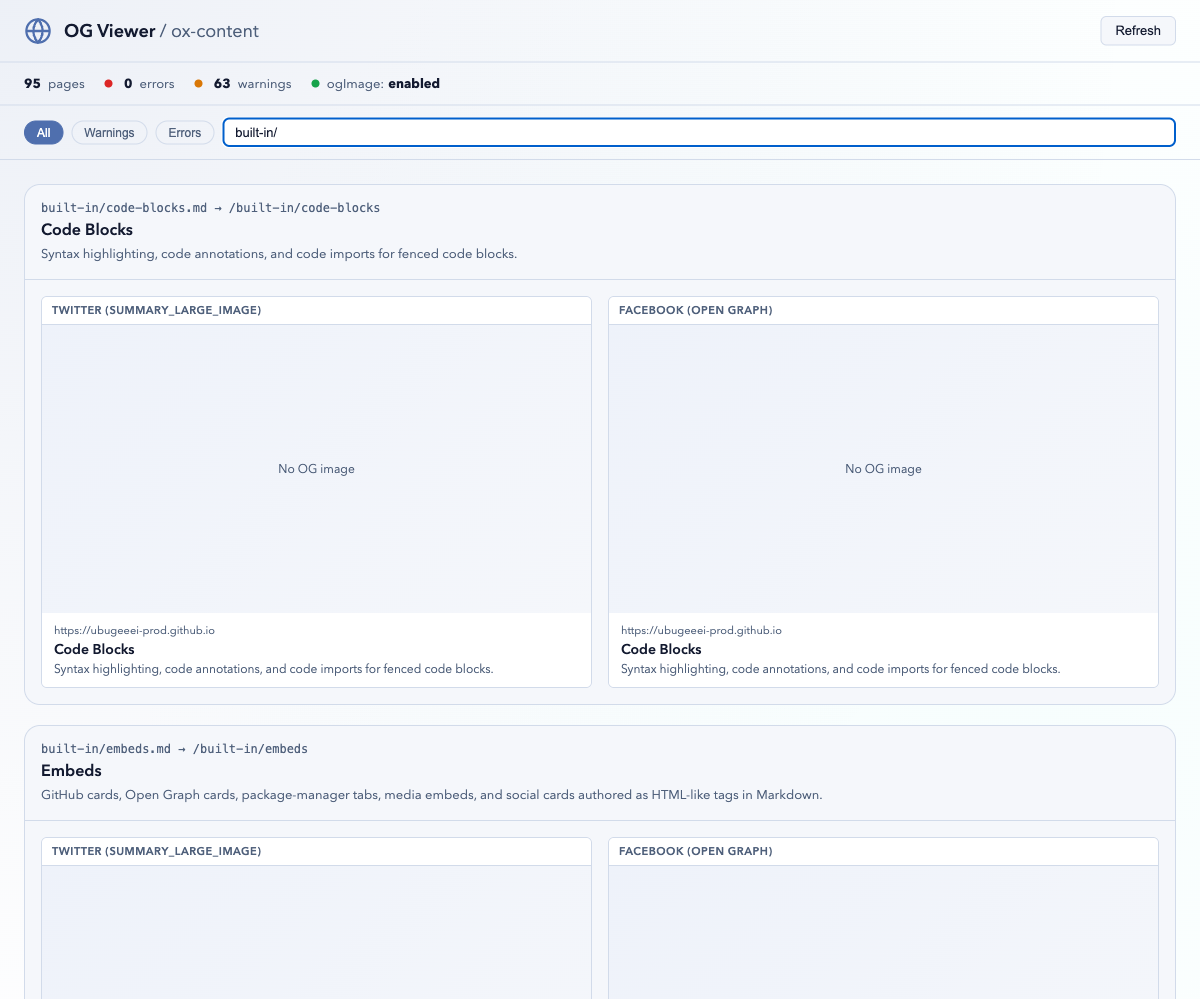
During dev, /__og-viewer previews every page's Open Graph metadata and
image (the ogViewer option, on by default):
Custom templates receive the page frontmatter as props — see Custom OG Image Templates.
Edit This Page#
Append a "suggest an edit" link to every page. The option is enabled by
providing repoUrl — a bare editThisPage: true stays disabled because
there is nothing to link to:
oxContent({
  editThisPage: {
    repoUrl: "https://github.com/ubugeeei-prod/ox-content",
    branch: "main",
    label: "Edit this page",
  },
});
The rendered link points at the file that produced the page:
<p class="ox-edit-this-page">
  <a
    href="https://github.com/ubugeeei-prod/ox-content/edit/main/docs/content/example.md"
    target="_blank"
    rel="noopener noreferrer"
    >Edit this page</a
  >
</p>
By default the page path is taken relative to the directory the build runs in, which is the repository root for the usual layout.
Set rootDir when the source root sits somewhere else in the repository — a
package or a docs workspace. The value says where srcDir lives inside the
repository, and the page path is measured from srcDir:
oxContent({
  srcDir: "docs",
  editThisPage: {
    repoUrl: "https://gitlab.example.com/owner/repo",
    branch: "main",
    rootDir: "packages/site/docs",
  },
});
<a href="https://gitlab.example.com/owner/repo/edit/main/packages/site/docs/guide/nested.md"></a>
Other forges#
Every forge puts its web editor at a different path, so a link built for the wrong one 404s:
| Provider | Shape |
|---|---|
github |
<repoUrl>/edit/<branch>/<path> |
gitlab |
<repoUrl>/-/edit/<branch>/<path> |
bitbucket |
<repoUrl>/src/<branch>/<path>?mode=edit |
gitea |
<repoUrl>/_edit/<branch>/<path> |
gitlab.com, bitbucket.org, codeberg.org, and gitea.com are recognized
from repoUrl and need no configuration. A self-hosted instance needs
provider, because its hostname says nothing about the software behind it:
oxContent({
  editThisPage: {
    repoUrl: "https://git.example.com/owner/repo",
    provider: "gitlab",
  },
});
gitea covers Forgejo, which kept the same path. For anything these miss,
urlPattern replaces the shape outright — {repoUrl}, {branch}, and
{path} are filled in and other braces are left alone:
oxContent({
  editThisPage: {
    repoUrl: "https://git.example.com/owner/repo",
    urlPattern: "{repoUrl}/ui/edit?ref={branch}&file={path}",
  },
});
Collections#
Collections expose Markdown files as a lazily-loaded, queryable manifest —
useful for blog indexes, changelogs, or "related pages" lists. A default
content collection covering every Markdown file exists out of the box:
import { queryCollection } from "virtual:ox-content/collections";

const guides = await queryCollection("content")
  .where("path", "LIKE", "/guide/%")
  .order("title", "ASC")
  .limit(10)
  .all();
The full query builder — operators, grouped conditions, dot-path access to
frontmatter, select/order/limit — is documented on its own page: see
Collections.
API Docs#
docs generates Markdown API references from JSDoc/TSDoc comments — the
cargo doc workflow for TypeScript. It is on by default (docs: false opts
out) and writes into srcDir so the generated pages join the site:
oxContent({
  docs: {
    src: ["./src"],
    out: "content/api",
    include: ["**/*.ts"],
    exclude: ["**/*.test.*"],
    githubUrl: "https://github.com/owner/repo",
    generateNav: true,
  },
});
The API Reference on this site is generated by this pipeline from the plugin's own sources. The full option set — entry points, grouping, sorting, link styles, per-kind rendering formats — is documented in API Docs from JSDoc.
Custom Transformers#
transformers run against the Markdown AST between parsing and rendering, for
project-specific rewrites that should stay out of page content:
import type { MarkdownTransformer } from "@ox-content/vite-plugin";

const stampDrafts: MarkdownTransformer = {
  name: "stamp-drafts",
  transform(ast, context) {
    if (context.frontmatter.draft) {
      ast.children.unshift({
        type: "paragraph",
        children: [{ type: "text", value: "🚧 Draft — not published yet." }],
      });
    }
    return ast;
  },
};

oxContent({
  transformers: [stampDrafts],
});
Each transformer receives the parsed AST plus { filePath, frontmatter, options } and returns the (possibly replaced) AST, and may be async.
Transformers compose in array order, each seeing the previous one's output.
The tree is mdast, the same shape remark plugins operate on, and it arrives after frontmatter parsing and after the opt-in Markdown features have been expanded. Everything that follows — rendering, HTML postprocessing, sanitization, the table of contents — runs on the tree the last transformer returned, so a document with no transformers and one whose transformers leave the tree alone produce identical output.
A transformer that throws, or returns something that is not a node, is reported as a build warning and skipped; the rest of the page still renders.
Custom hosts (ssg: false)#
Hosts that own page templates can still reuse resource fingerprinting,
Markdown companions, feeds, sitemaps, and git lastmod. Call
planSsgOutputs and the matching writers — see
SSG output primitives. Use
ssg: { enabled: false, markdownSource, lastUpdated, siteUrl } when those
fields should still resolve; the boolean ssg: false clears them.
Related#
- SSG output primitives — plan and emit outputs without the default theme.
- Previous / Next — opt-in previous and next page links.
- Breadcrumbs — opt-in trail from the site root through sidebar ancestors.
- Page head — build-time title / meta / link / JSON-LD API.
- SEO — canonical, robots, hreflang, and validation.
- JSON-LD — opt-in TechArticle / WebSite / BreadcrumbList structured data.
- Reader Chrome — opt-in copy, outbound icons, and back-to-top.
- Locale Switcher — opt-in header locale list.
- Accessibility — opt-in skip link and print styles.
- Team / members page — opt-in member cards on
layout: team. - Section index pages — opt-in listings for directories without
index.md. - Header chrome — opt-in header nav, announcement, and page flags.
- Sitemap / robots / llms.txt — opt-in crawl manifests.
- Markdown source companions — opt-in original Markdown beside each page.
- Redirects and aliases — opt-in static HTML redirects.
- Blog — opt-in paginated index, authors, tags, and archive.
- RSS / Atom / JSON feeds — opt-in collection feeds.
- PWA manifest and service worker — opt-in manifest and conservative offline cache (adds client JS).
- Self-hosted Iconify CSS — opt-in CSS masks for used Iconify icons.
- Theming — the theme system used by SSG.
- API Docs from JSDoc — the full
docsoption reference. - Internationalization — locale-aware sites on top of SSG.